Read the literature.
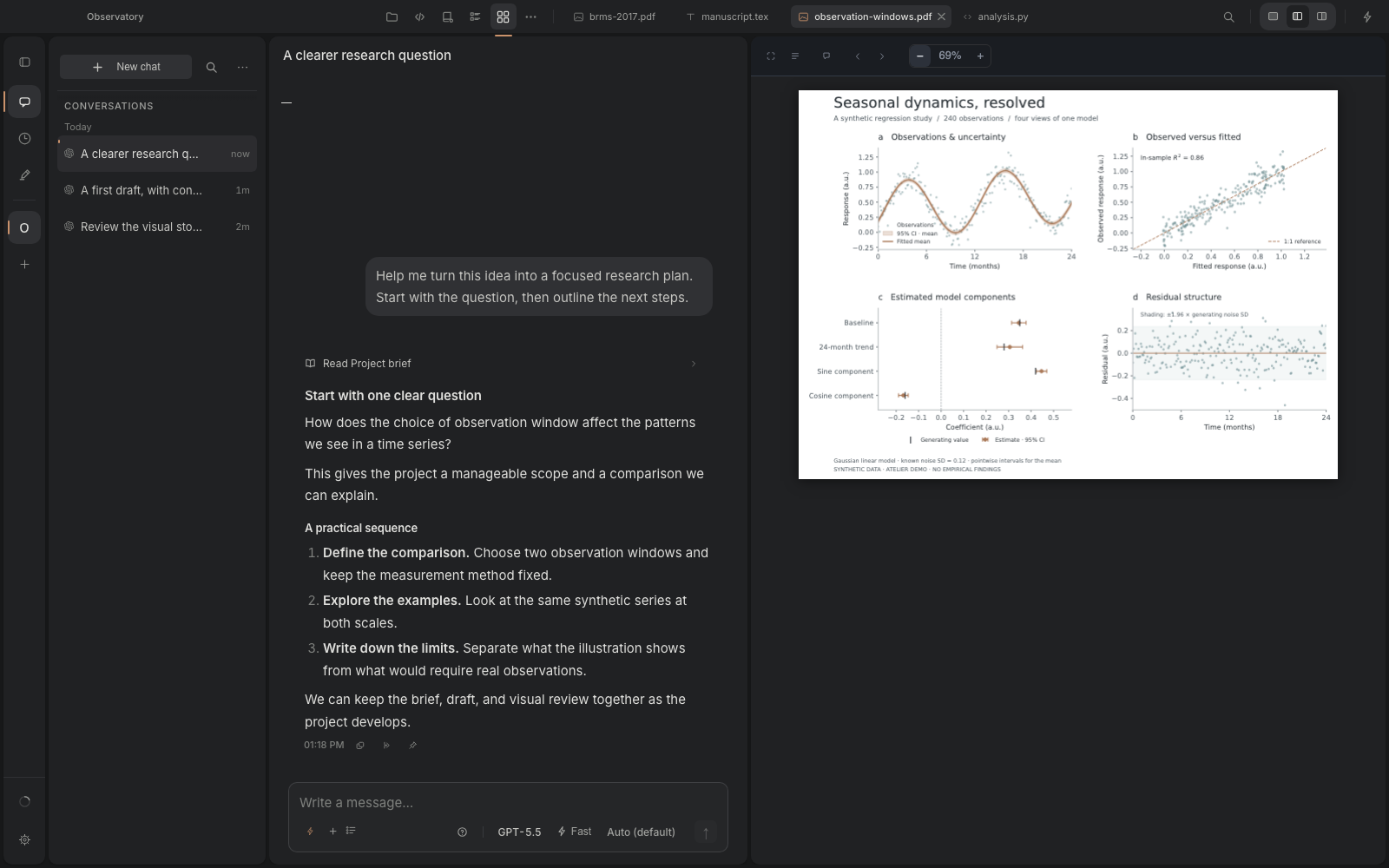
Read papers in the PDF viewer and work with your Zotero library. Bring selected context into conversations as you develop your research question.
 AtelierStudio
Scientific research · Master’s & PhD
macOS · Open sourceA native macOS workspace for master’s students, PhD candidates, and researchers. Bring your literature, analysis, figures, and thesis chapters together, with AI assistance in context.
Download for Mac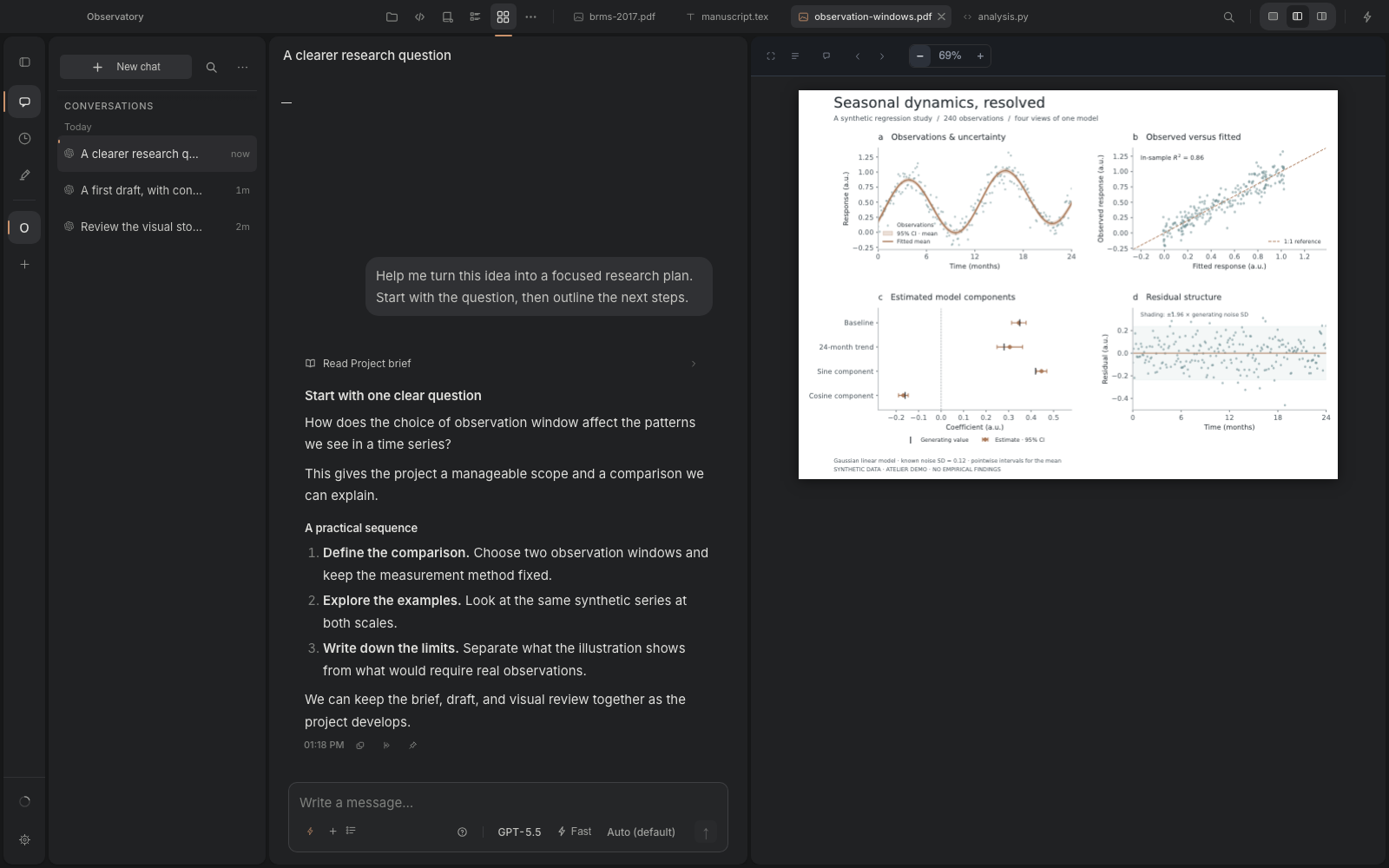
01 / The workspace
Read a paper beside your notes. Inspect a figure beside the analysis. Review rendered LaTeX beside the conversation. Keep each part of your research within reach.
Read papers in the PDF viewer and work with your Zotero library. Bring selected context into conversations as you develop your research question.
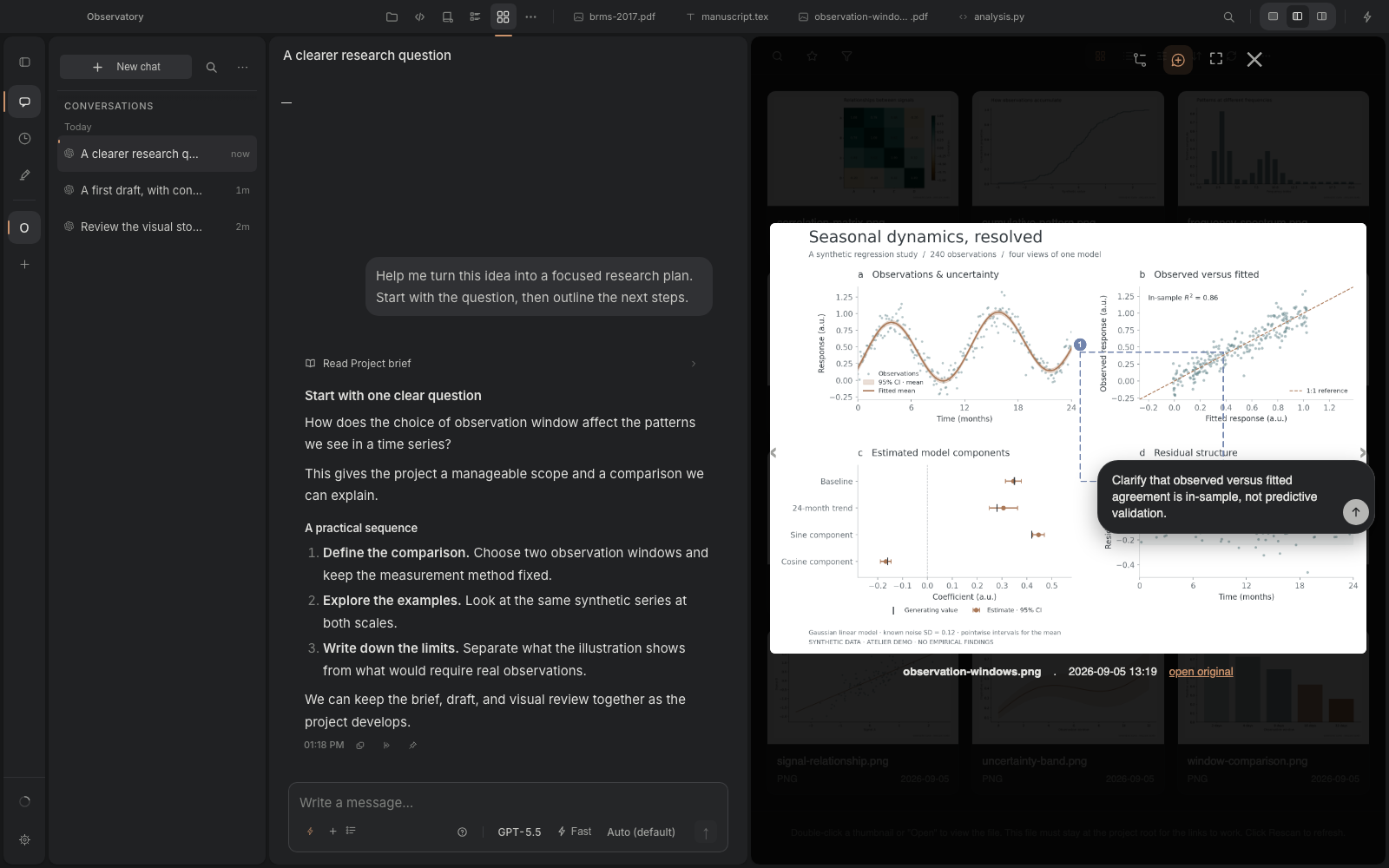
Work on scripts, use the terminal, and inspect outputs in the figure gallery. Mark a region and draft precise feedback for the next revision.
Edit thesis chapters and scientific manuscripts in LaTeX or Markdown. Read rendered prose and equations, and work through revisions with Claude Code or Codex.
A closer look
Move from analysis scripts to figures, annotate a detail, then read the methods and equations in LaTeX. The conversation stays alongside the work.
Demo conversations and figures are synthetic. PDF: Bürkner (2017), Journal of Statistical Software, CC BY 3.0. Original article shown unmodified.
02 / Make room to focus
Restrained controls, lighter typography, and a choice of themes. Preview Graphite, Pierre, or the familiar colours of Monokai.
Download the DMG from GitHub Releases and move Atelier to Applications. Connect a supported agent to start a conversation.
Agent access requires your own provider account or API credentials. PDF reading is built in, and without a TeX installation the first LaTeX compile downloads tectonic.
Current builds are not notarized by Apple. Follow the installation instructions if macOS blocks the first launch.
Installation instructions ↗Release notes ↗